Vintage Wi-Fi signs for cafés
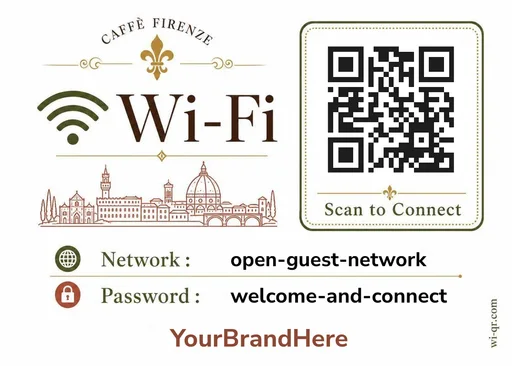
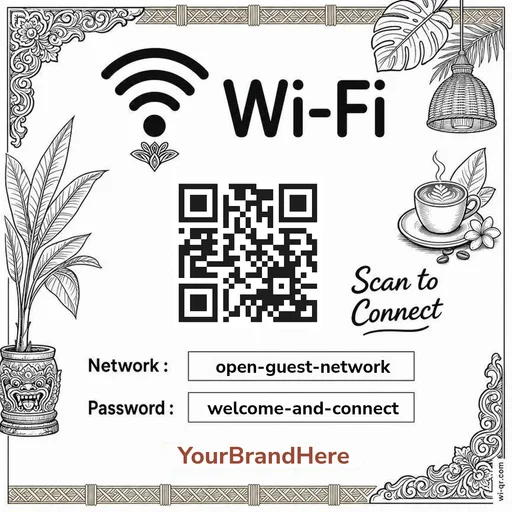
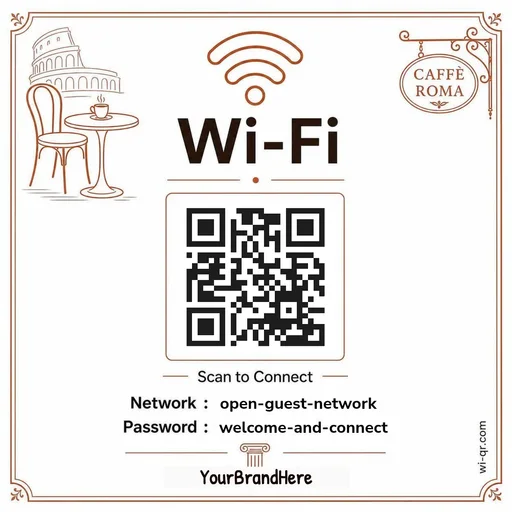
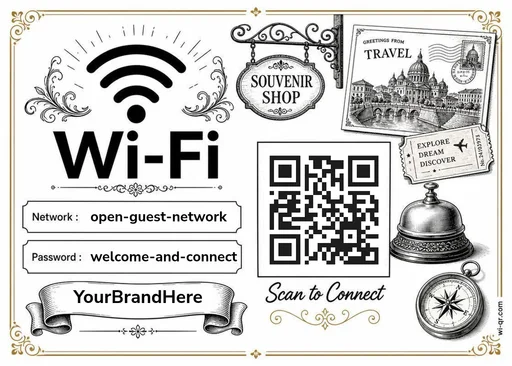
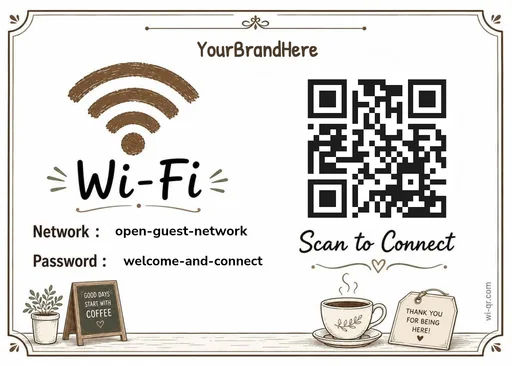
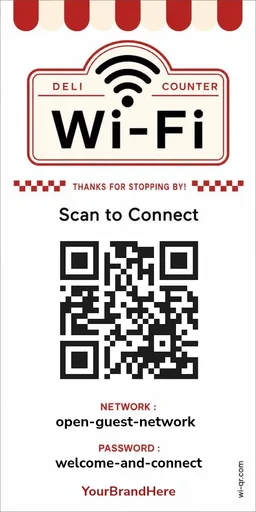
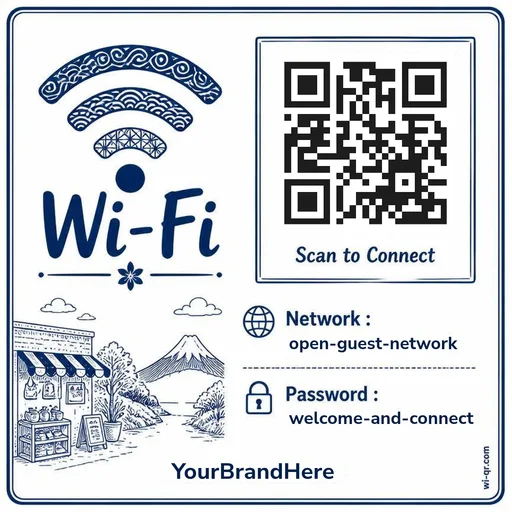
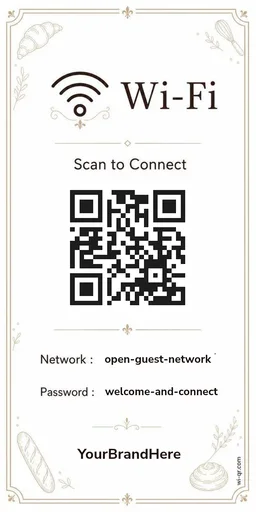
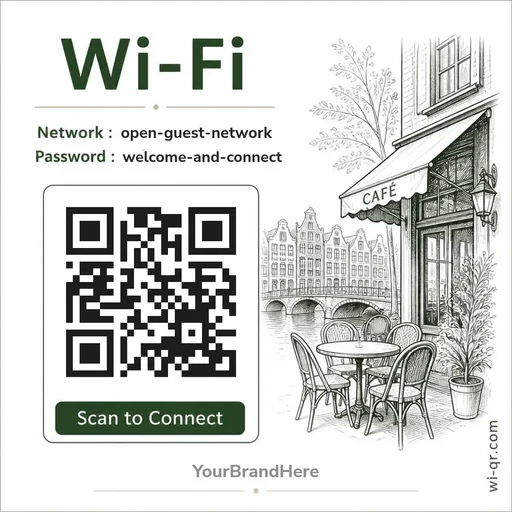
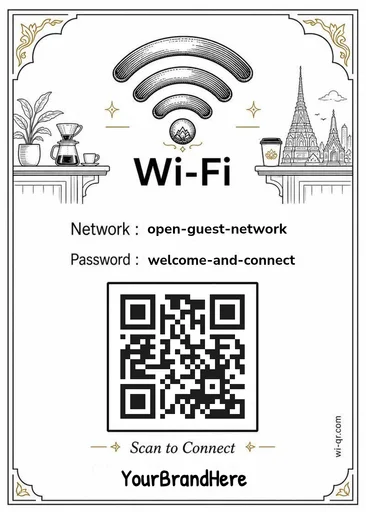
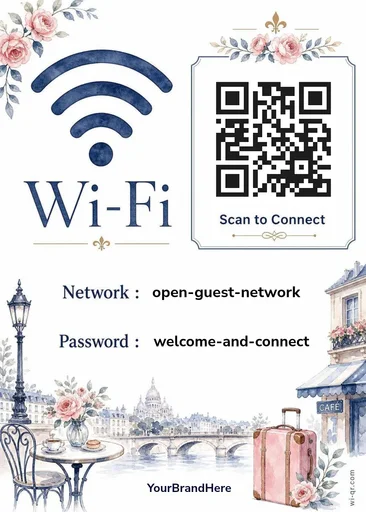
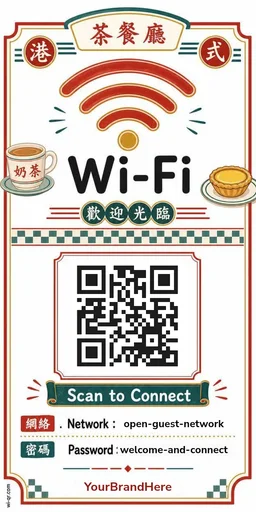
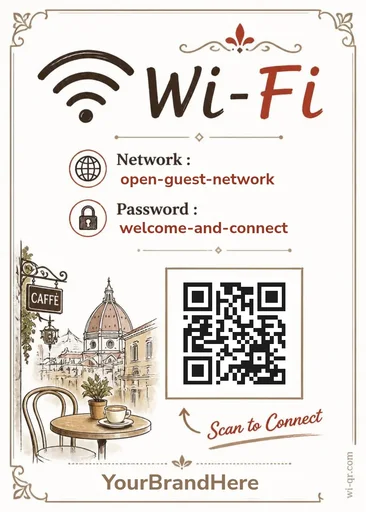
If the café runs on old chairs and handwritten menus, the Wi-Fi sign can match. This set crosses our vintage styles with café templates — finished designs, ready to print.
Enter your network name and password in the browser, print, and put it where guests sit. The QR code encodes your Wi-Fi details directly and is generated on your device — nothing is uploaded, nothing is stored.
Make yours — freePick a design
Previews from the live catalog. Open the gallery to add your details and print.
Questions
Does the QR code expire?
No. The QR encodes your Wi-Fi name and password directly — there is no link or subscription behind it, so there is nothing to expire. It works for as long as your Wi-Fi details stay the same.
Is my Wi-Fi password stored anywhere?
No. The QR code is generated in your browser. Your network name and password are not sent to or stored on our servers.
Is this QR code a web link?
No. It contains Wi-Fi connection details, not a web address. Scanning it connects a phone to your Wi-Fi — it cannot take your guests to a website.
What do I print it on?
Plain paper from any printer works. Each template is marked with the print sizes it supports — from a full page down to card size — and a size is only offered where the QR code stays scannable and the text stays readable.