Wi-Fi signs for cafés
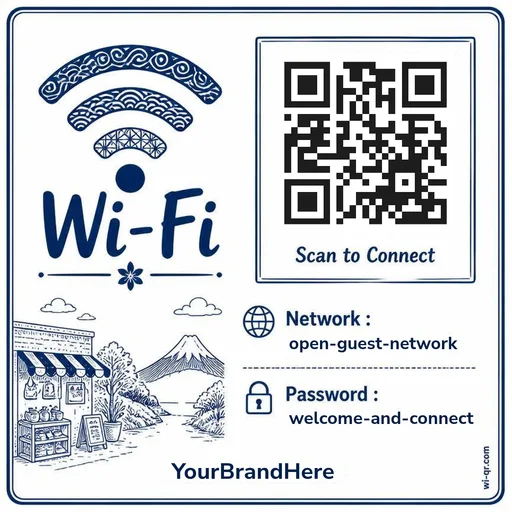
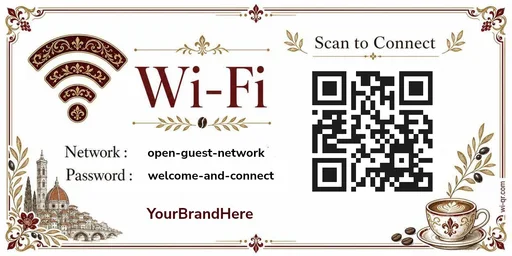
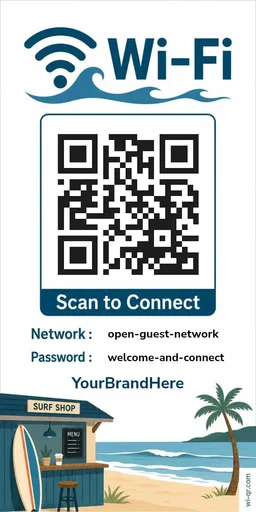
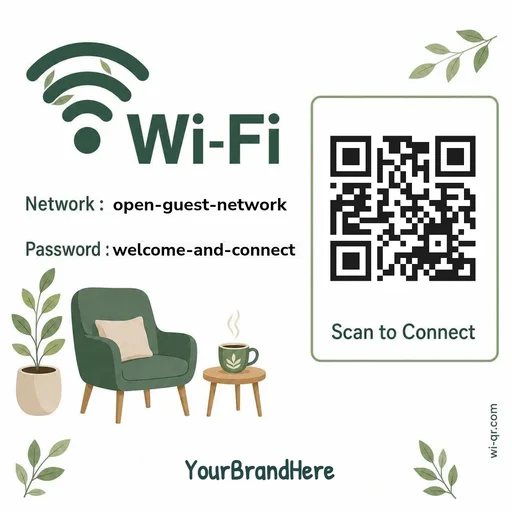
Most guests reach for their phone before their coffee arrives — usually to look for the Wi-Fi. A printed sign answers the question before anyone has to ask.
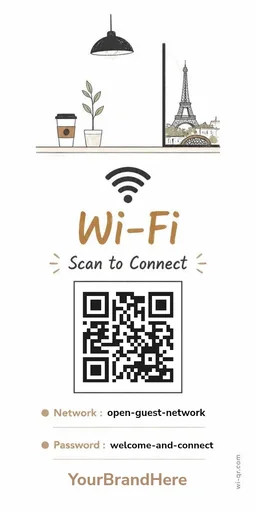
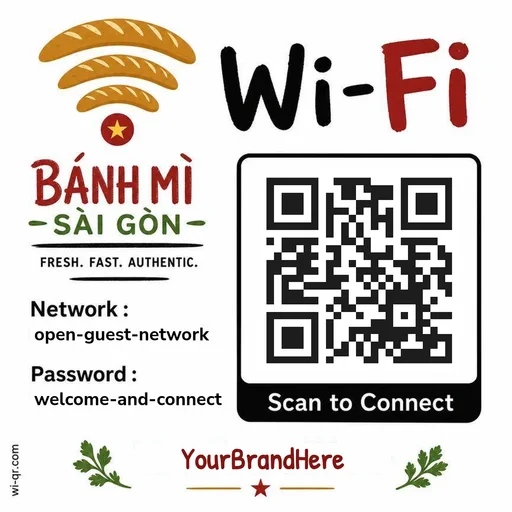
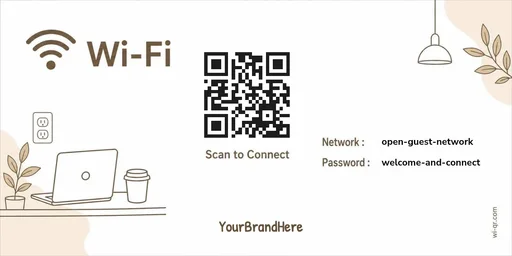
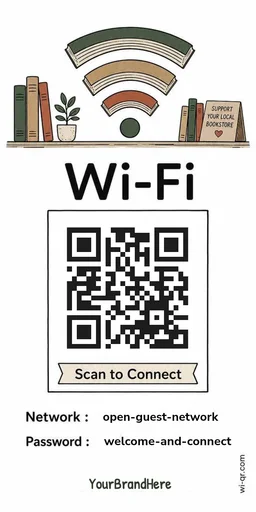
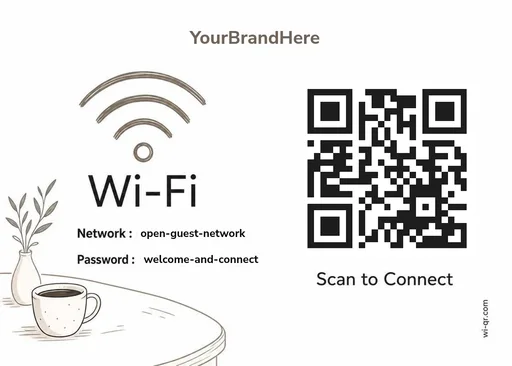
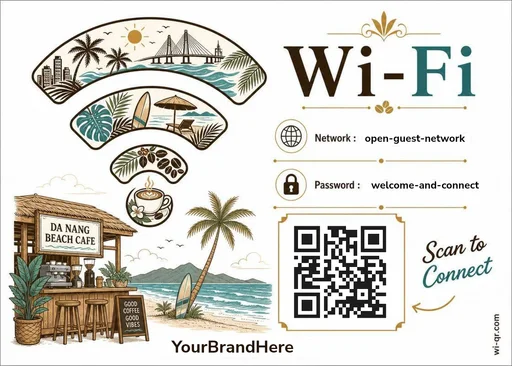
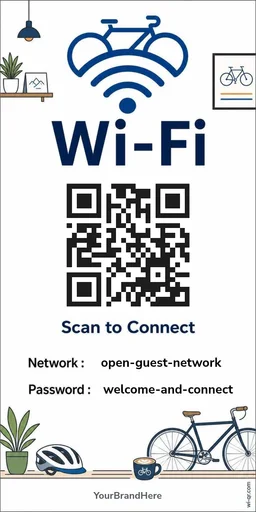
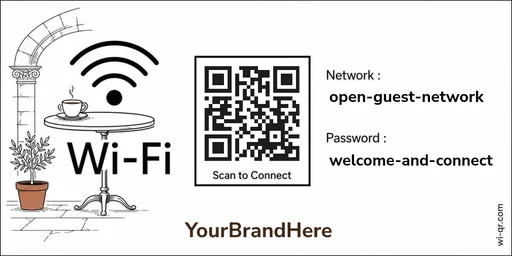
These are finished designs, not blank canvases: filter by mood, print size, or how your café feels, pick one, type in your network name and password, and print it from your browser. The QR code is generated on your device, so your password never leaves it. Free, and no account is needed to print.
Make yours — freePick a design
Previews from the live catalog. Open the gallery to add your details and print.
Questions
Does the QR code expire?
No. The QR encodes your Wi-Fi name and password directly — there is no link or subscription behind it, so there is nothing to expire. It works for as long as your Wi-Fi details stay the same.
Is my Wi-Fi password stored anywhere?
No. The QR code is generated in your browser. Your network name and password are not sent to or stored on our servers.
Is this QR code a web link?
No. It contains Wi-Fi connection details, not a web address. Scanning it connects a phone to your Wi-Fi — it cannot take your guests to a website.
What do I print it on?
Plain paper from any printer works. Each template is marked with the print sizes it supports — from a full page down to card size — and a size is only offered where the QR code stays scannable and the text stays readable.