Wi-Fi signs for Airbnbs
In a self-check-in stay, a Wi-Fi sign answers the first question guests have when you are not there to answer it. They scan the QR code and connect — no retyping a long password from a laminated note.
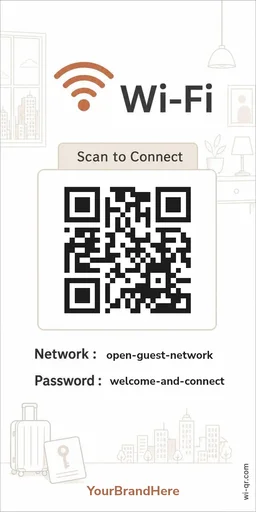
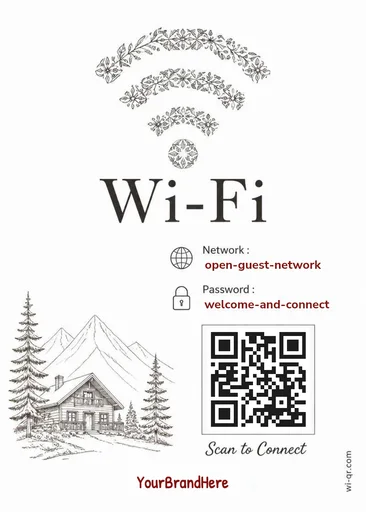
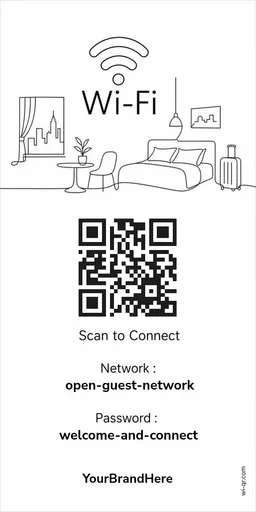
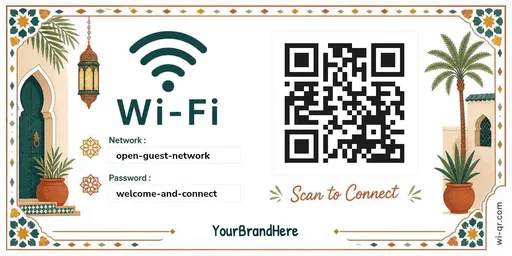
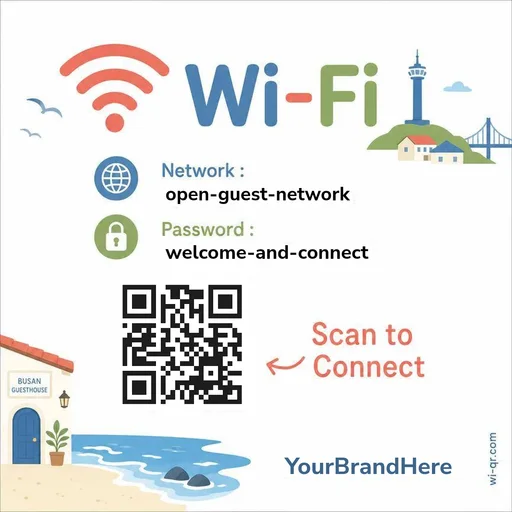
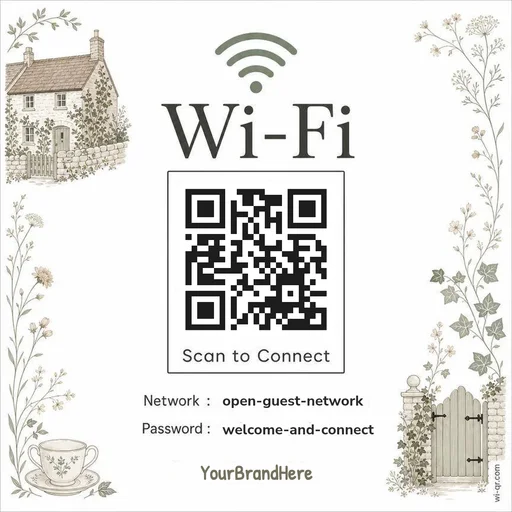
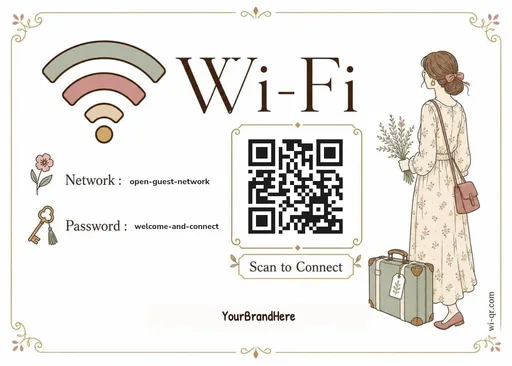
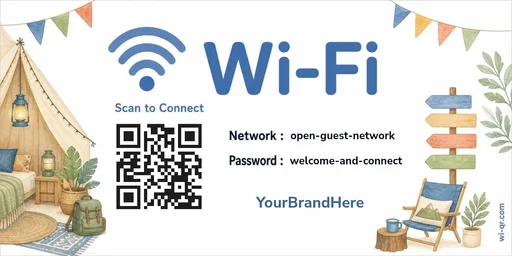
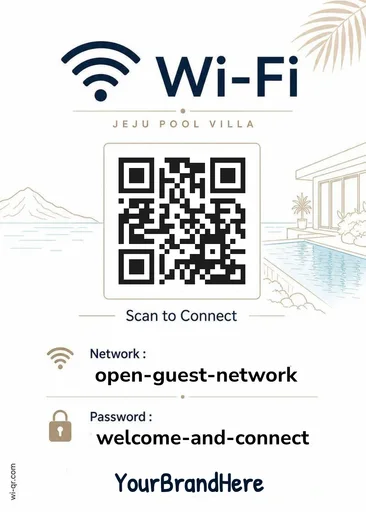
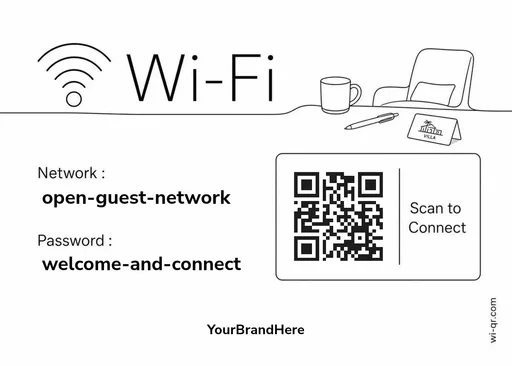
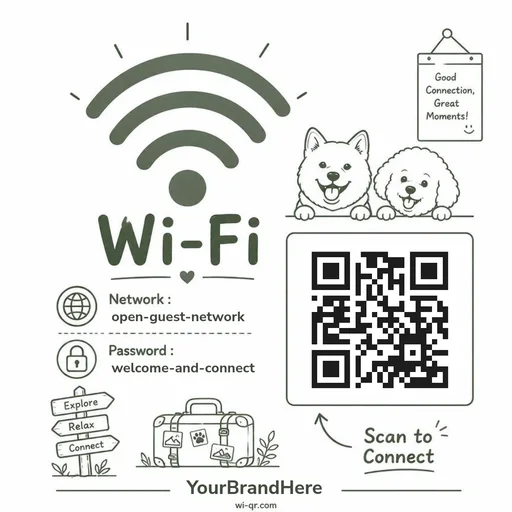
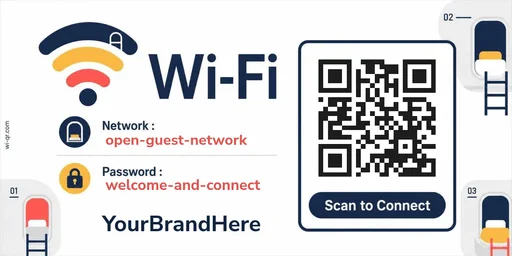
Pick a finished design that fits the room, add your network details in the browser, and print. If you rotate the password between guests, the sign keeps up: same design, new values, print again. Free, no account required.
Make yours — freePick a design
Previews from the live catalog. Open the gallery to add your details and print.
Questions
Does the QR code expire?
No. The QR encodes your Wi-Fi name and password directly — there is no link or subscription behind it, so there is nothing to expire. It works for as long as your Wi-Fi details stay the same.
Is my Wi-Fi password stored anywhere?
No. The QR code is generated in your browser. Your network name and password are not sent to or stored on our servers.
Is this QR code a web link?
No. It contains Wi-Fi connection details, not a web address. Scanning it connects a phone to your Wi-Fi — it cannot take your guests to a website.
I change the Wi-Fi password between guests. Do I need a new sign?
No — keep the design. Open it again, type the new password, and print. The design does not change; only the values do.